How to Find and Chat with Aichiki
Aichiki has two spaces, her Room for casual conversations, and her Desk for app help and support. Here's how to reach each one.
Her Room
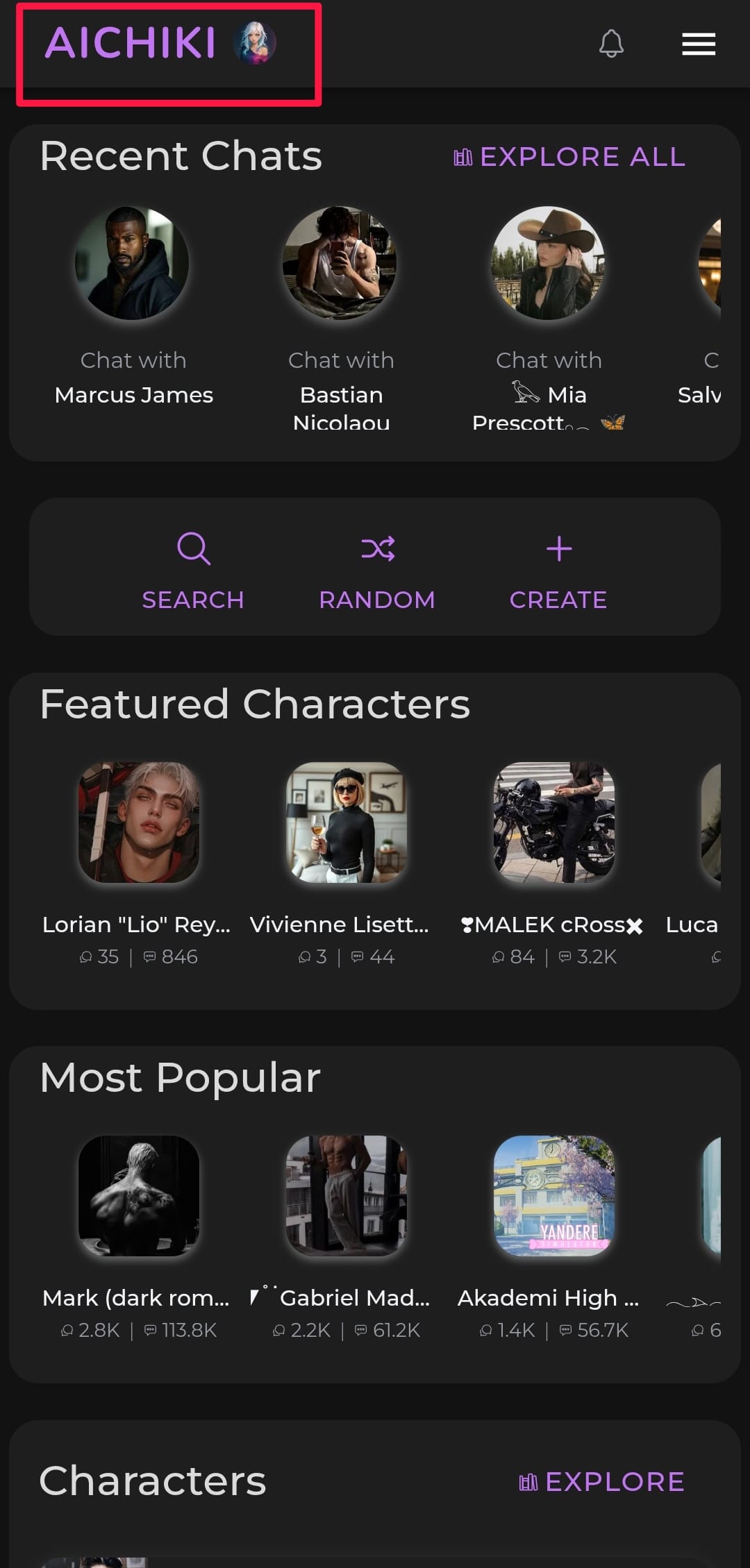
Tap the AICHIKI logo at the top of the home page to visit her Room. You'll be greeted by name and presented with three options:
Chat with me — Start a fresh new conversation
Continue from last time — Pick up right where you left off
Our previous chats — Browse all your past conversations with her
Your chat history with Aichiki lives here, and so does her memory of you. You can manage what she remembers from within any of your Room chats.
Her Desk
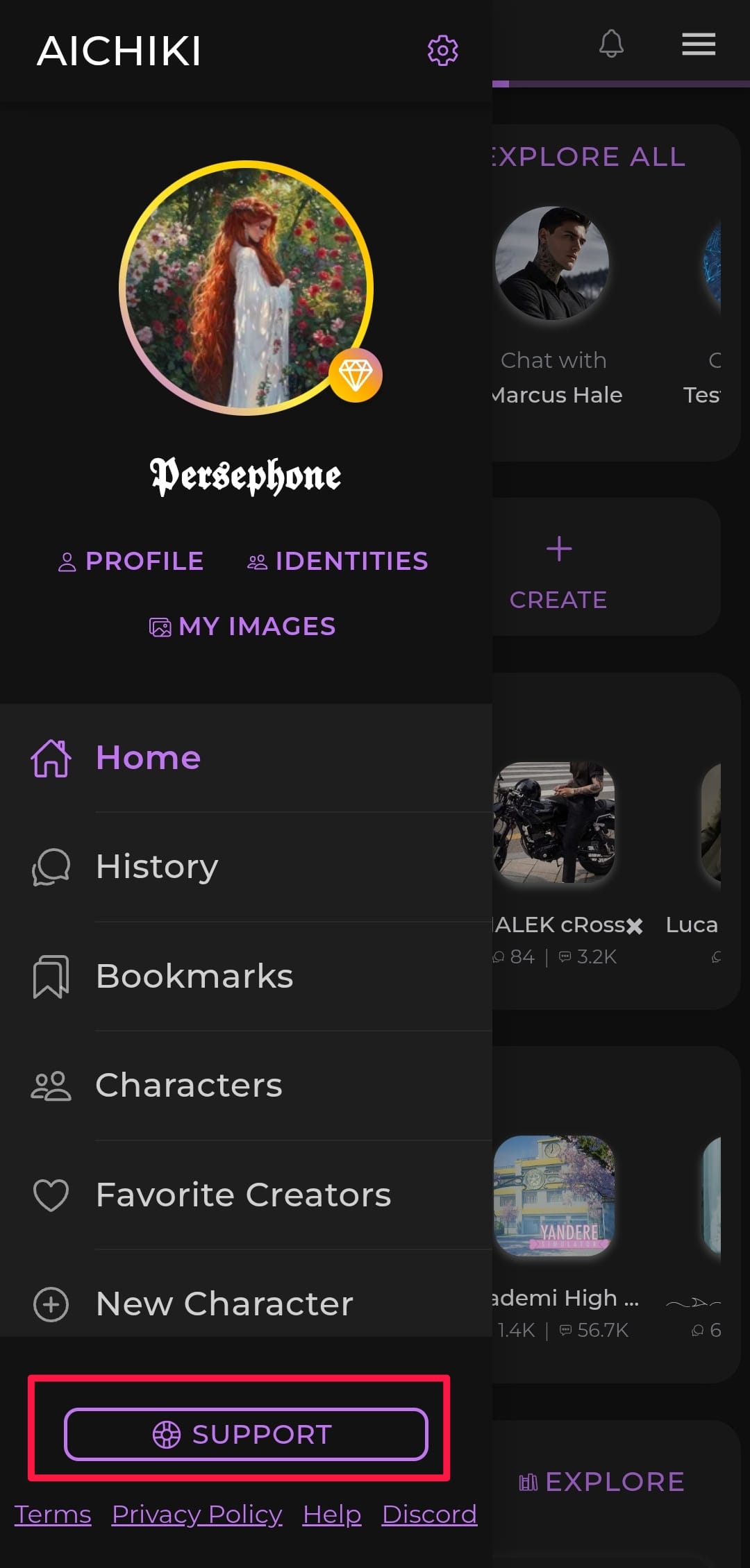
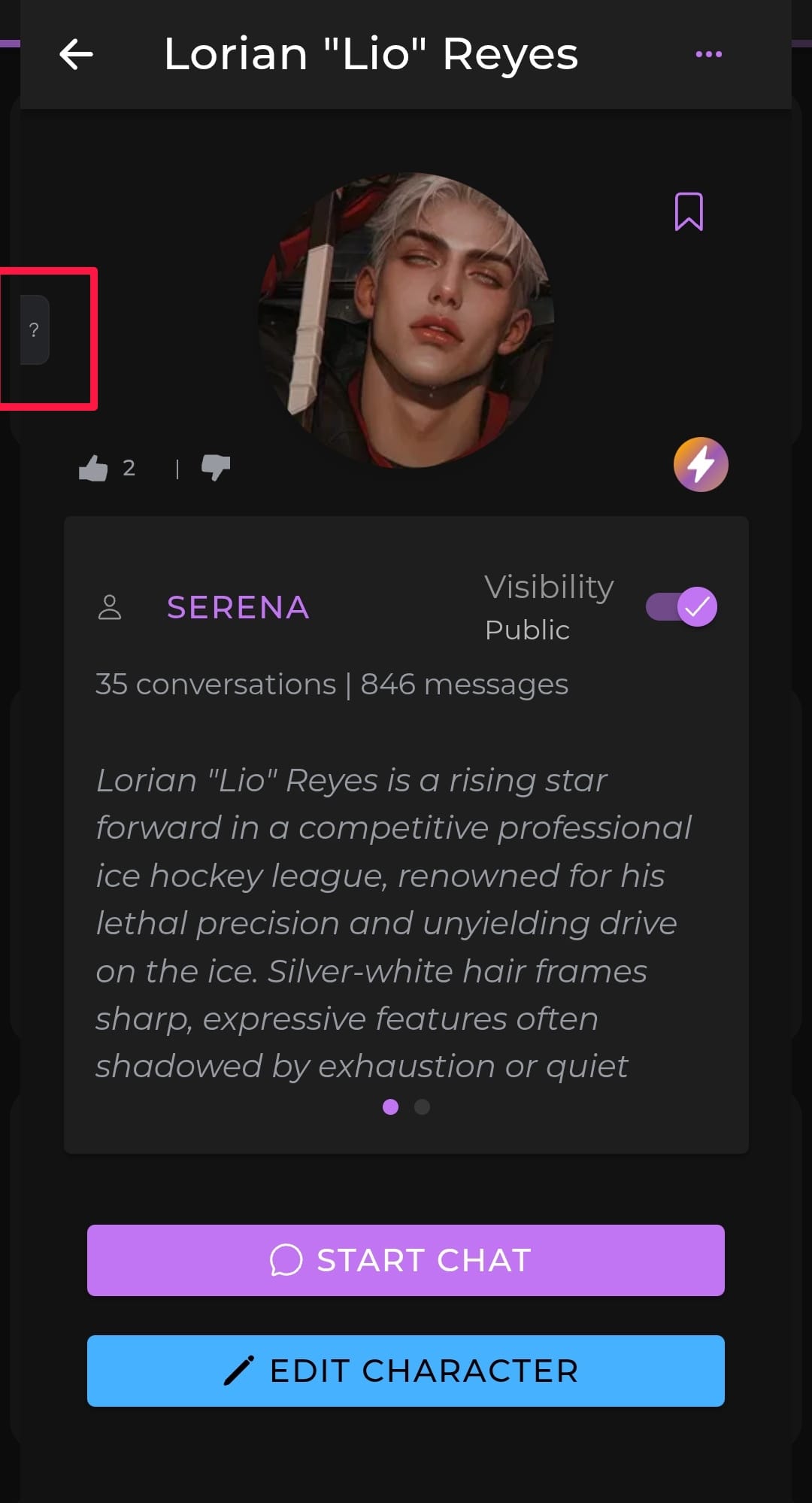
To reach her Desk, tap the ? button, available on many pages throughout the app, or tap Support at the bottom of the sidebar. This opens the Support page where you can choose:
Chat with Aichiki — Talk to her at her Desk for instant help with anything app-related
Email us — Send a message directly to our human support team
Her Desk is the place to go when you have questions about features, need help with settings, or run into any issues with the platform.