CHI
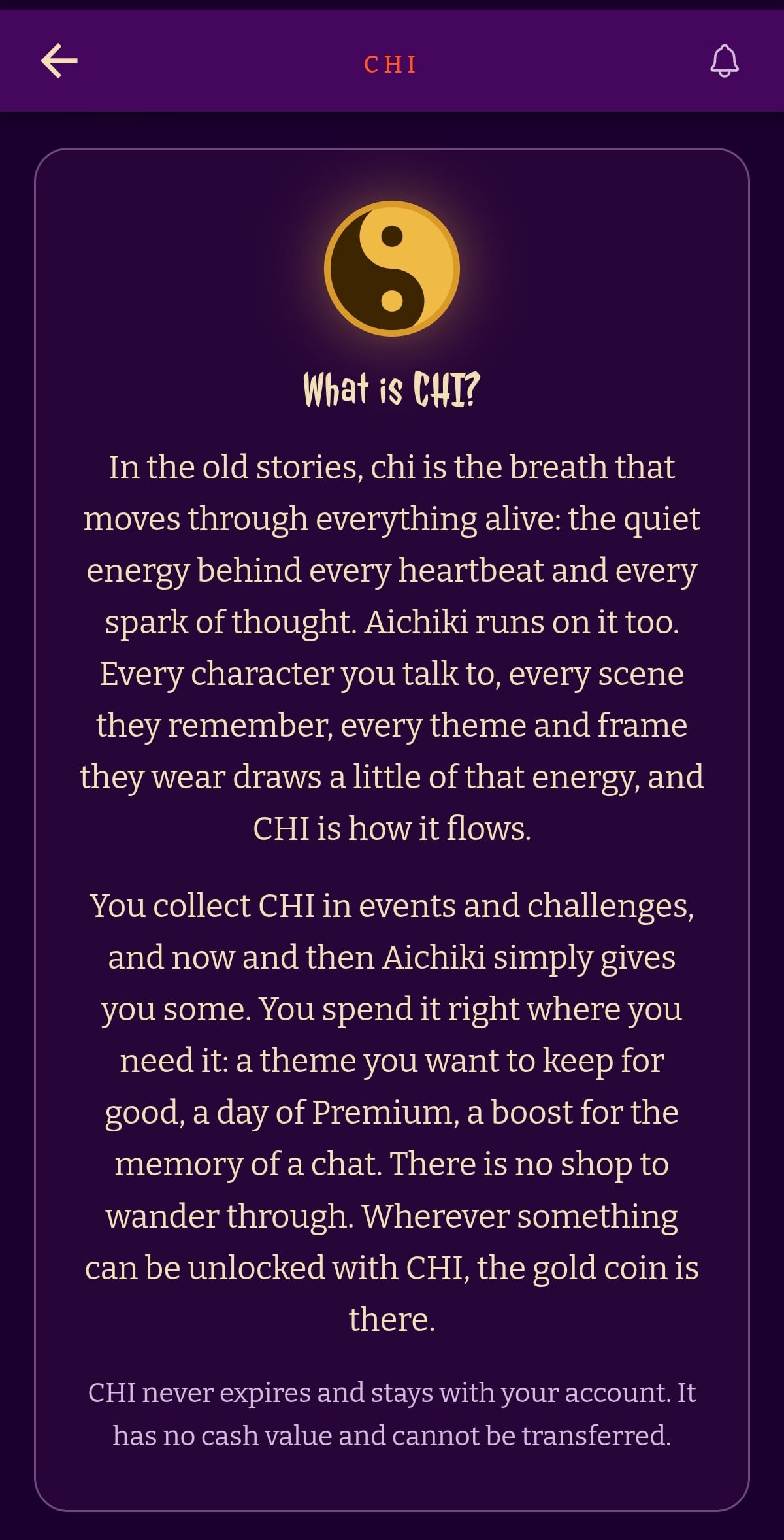
CHI is AICHIKI's in-app currency. You collect it in events and challenges, and sometimes AICHIKI simply gives you some. You spend it on things inside the app, right where they are. In the app, CHI is shown as the gold yin-yang coin.
CHI never expires and stays with your account. It has no cash value and cannot be transferred to another account.
Where do I find my CHI?
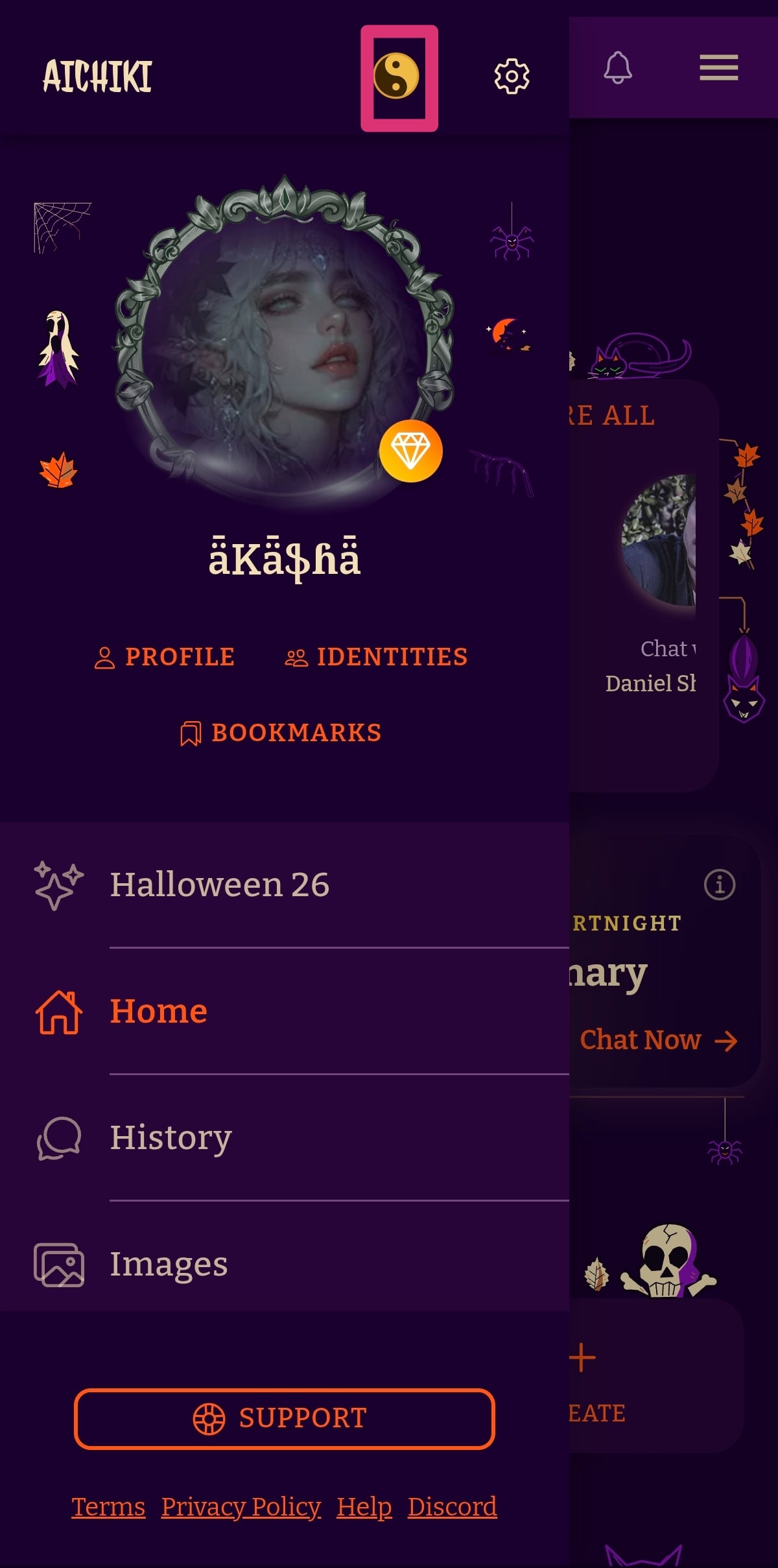
On mobile: open the side bar menu and tap the gold yin-yang coin at the top, next to the settings icon.
On web: click your avatar in the top right corner to open the user menu, then click the CHI button.
Either one opens your CHI page.
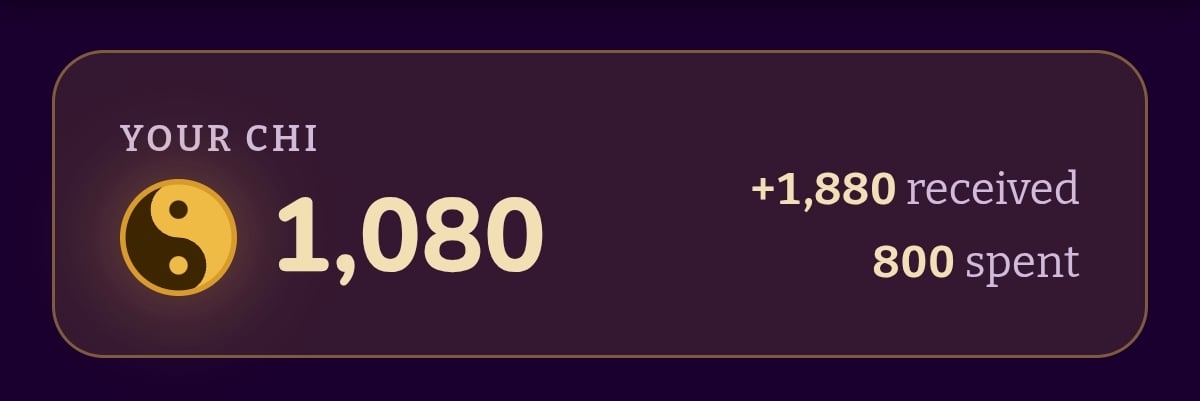
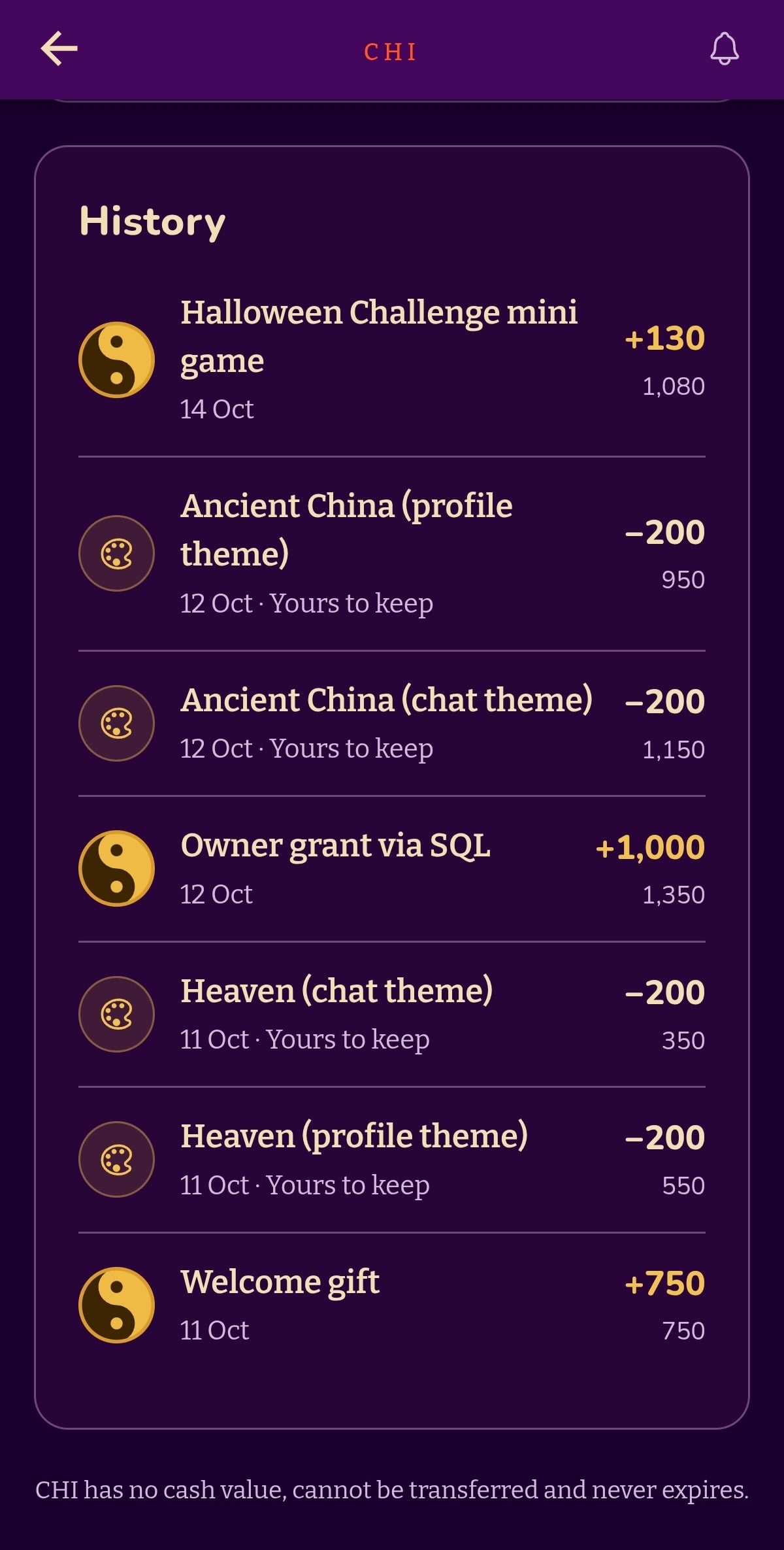
At the top you see your current balance, how much CHI you have received in total and how much you have spent. Below that is a short explanation of CHI and your full History: every time you received or spent CHI, with the date, the amount and your balance after it.
How do I get CHI?
There are a few ways:
- Events and challenges. The Halloween Challenge 2026 is the first one. Every participant earns CHI in the ghost hunt, and the top three places win 1,000, 500 and 250 CHI. See the Halloween Challenge 2026 help post for the full rules.
- Gifts from AICHIKI. Now and then AICHIKI gives you CHI. When it does, a pop-up appears with a Claim button.
- Premium. From November 1, 2026, every time a Premium payment goes through, 150 CHI is added to the account, at the same moment the tree for that month is planted. This applies to payments from that date on; months paid before it do not count. Monthly CHI never expires and adds up month after month. Plus does not include monthly CHI.
CHI cannot be bought with real money at the moment. That may change in the future if there is interest from users.
The welcome gift
With the Halloween update, every account received a one-time welcome gift of CHI. The amount depends on how old your account was when you claimed it:
| Account age | Welcome gift | With Premium |
|---|---|---|
| 12 months or more | 600 CHI | 750 CHI |
| 6 to 12 months | 300 CHI | 450 CHI |
| Under 6 months, including new sign-ups | 150 CHI | 300 CHI |
Premium accounts get a flat 150 CHI on top of the gift. The welcome gift is separate from the monthly Premium CHI.
What can I spend CHI on?
The price is the same for everyone and is always shown on the button before you confirm.
| What | CHI | Who can use it |
|---|---|---|
| Day pass, 1 day | 100 | Free and Plus accounts |
| Day pass, 3 days | 200 | Free and Plus accounts |
| Memory boost, 3 days | 100 | Free accounts, from inside a conversation |
| Daily allowance reset | 60 | Anyone whose daily allowance is used up, once per 24 hours |
| Theme included in a plan (chat or profile) | 100 | Free accounts (Plus and Premium already have these themes) |
| CHI-only theme (chat or profile) | 200 | Everyone |
Profile theme 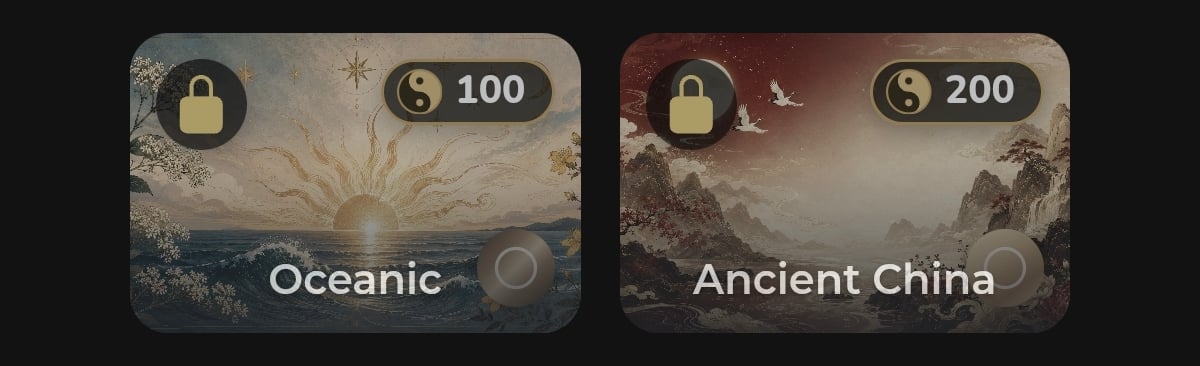
Chat theme 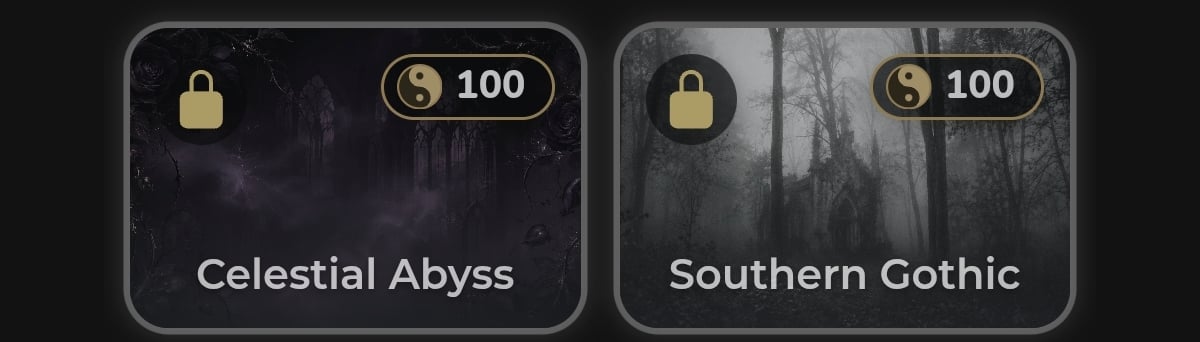
A few notes:
- Day pass and memory boost. These work exactly as before. What is new is that you can pay for them with CHI. Premium already includes everything a day pass gives, and Plus and Premium already include the memory the boost gives, so those accounts will not see the CHI option for them.
- Daily allowance reset. This lifts today's limit for 24 hours. It can be used once per 24 hours, when the day's allowance is used up.
- Themes. Any theme that comes with a plan can be unlocked for good by Free accounts with 100 CHI, chat theme or profile theme. Plus and Premium already have these themes, so they will not see the CHI option for them. Some themes are CHI-only: no plan includes them, and the only way to get them is with CHI. Each costs 200 CHI per chat theme or profile theme (400 CHI for a full matching set). You unlock themes in the theme selector. Once unlocked, a theme is yours to keep, and it shows in your History marked "Yours to keep".
More ways to use CHI will come in later updates.
My balance is not what I expected
CHI belongs to the account, not to the device or the app. If your balance looks lower than you expected, first check which AICHIKI account you are signed in to. Some users have more than one account, and each account has its own CHI balance and its own History. Signing in to the account that earned the CHI will show it.
If you are on the right account and the balance still looks wrong, check the History on your CHI page. Every gift, reward and purchase is listed there with its date and amount.
Still Need Help?
If your CHI balance looks wrong or a purchase did not go through, feel free to contact our support team.