The Maze of the Sun
On 22 December, the first morning after the longest night, window 22 of the advent calendar opens the maze of the Sun. You lead the white stag through a dark maze, find the Sun and carry it to the solstice arch, where it rises. Your first run is the one that counts. Raising the Sun in it gives you the Winter Solstice badge and opens the mini shop.
When can I play?
- The maze is behind window 22, on your own 22 December.
- If you miss the 22nd, the maze waits behind window 23, for that one day. What window 23 would have held is then lost for you. If you miss both days, you have no maze.
- Once its window is open, you can play the maze until the event ends on 25 December 2026, 12:00 UTC. That is 07:00 in New York, 14:00 in Romania and 21:00 in Tokyo. A run still going at that moment ends there.
- The maze works the same in the Android app, the iPhone app and the web app.
How do I start?
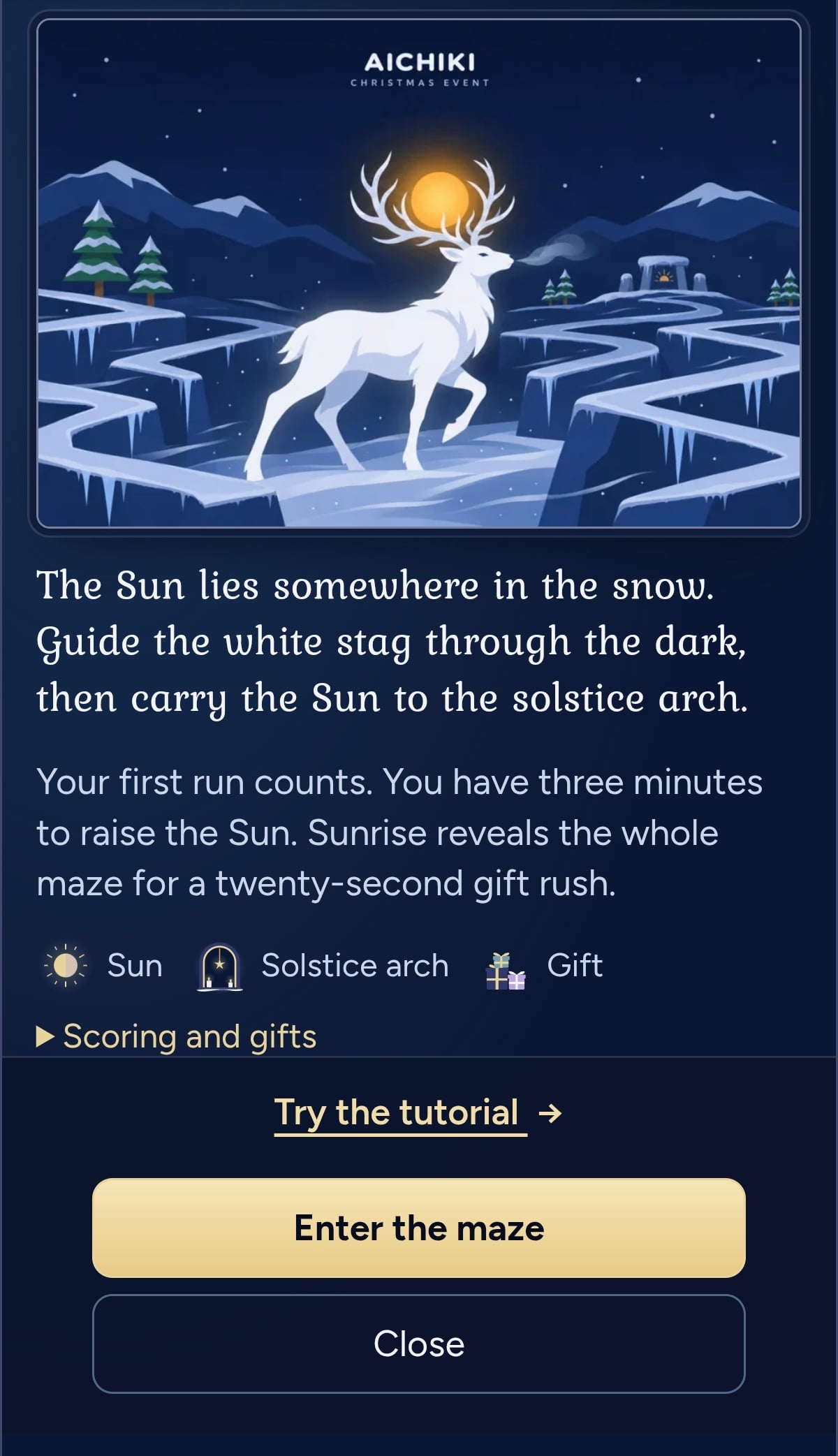
- Open window 22 in the advent calendar. The maze's screen opens: Bring back the Sun. Opening the window does not start the clock. The screen shows the story, the rules, what the Sun, the solstice arch and the gifts look like, and a section called Scoring and gifts.
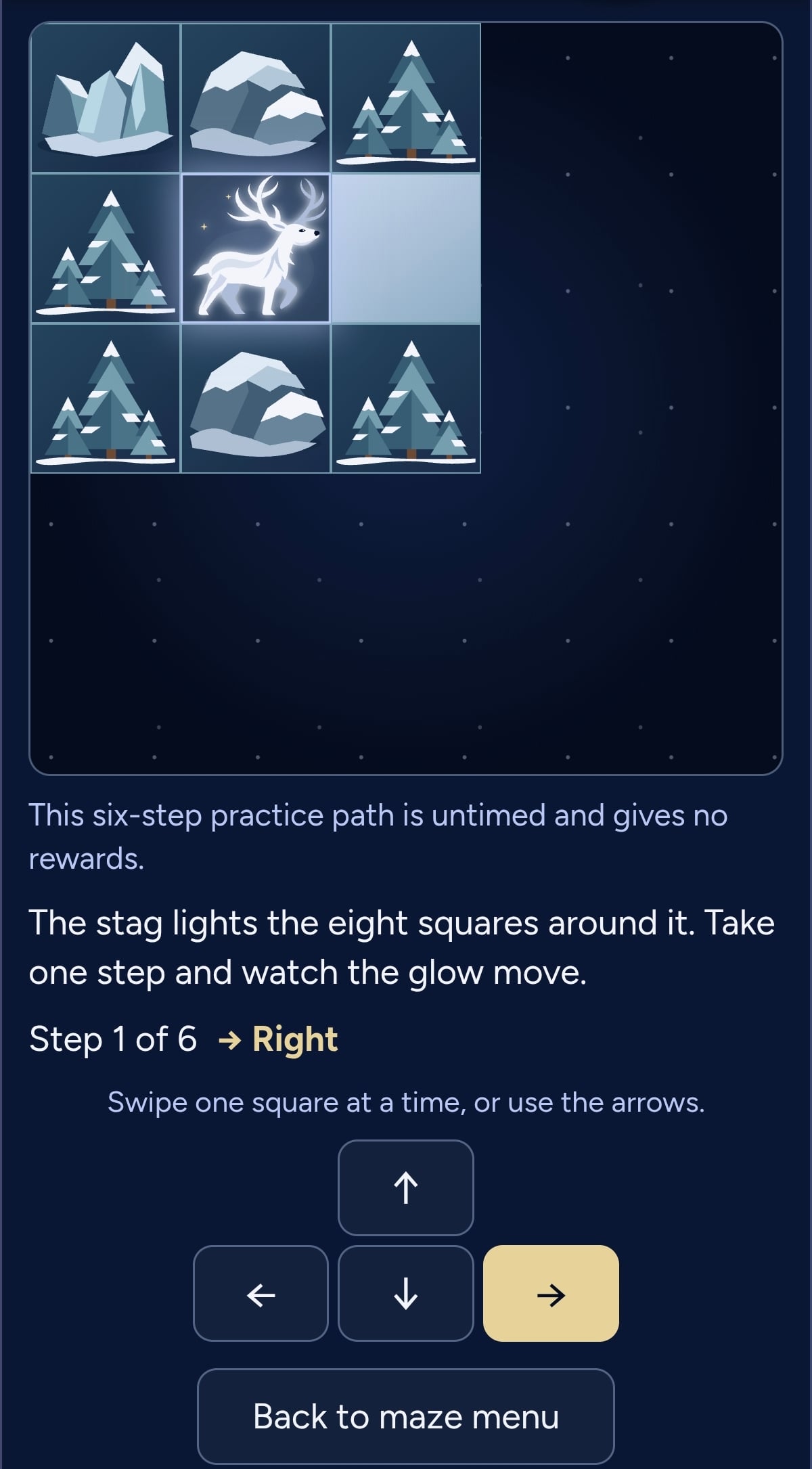
- Practise first, if you like. Tap Try the tutorial. It is a six-step practice path, untimed and without rewards. Each step tells you what to do and lights up the arrow to tap. Tap Back to maze menu to return.
- Tap Enter the maze when you are ready. Your counted run starts at once, with no second question. The three minutes start with that tap.
Later you can reach the maze in two ways: tap the open window 22 in the calendar, or tap the The maze of the Sun card on the Christmas 26 page.
How do I move?
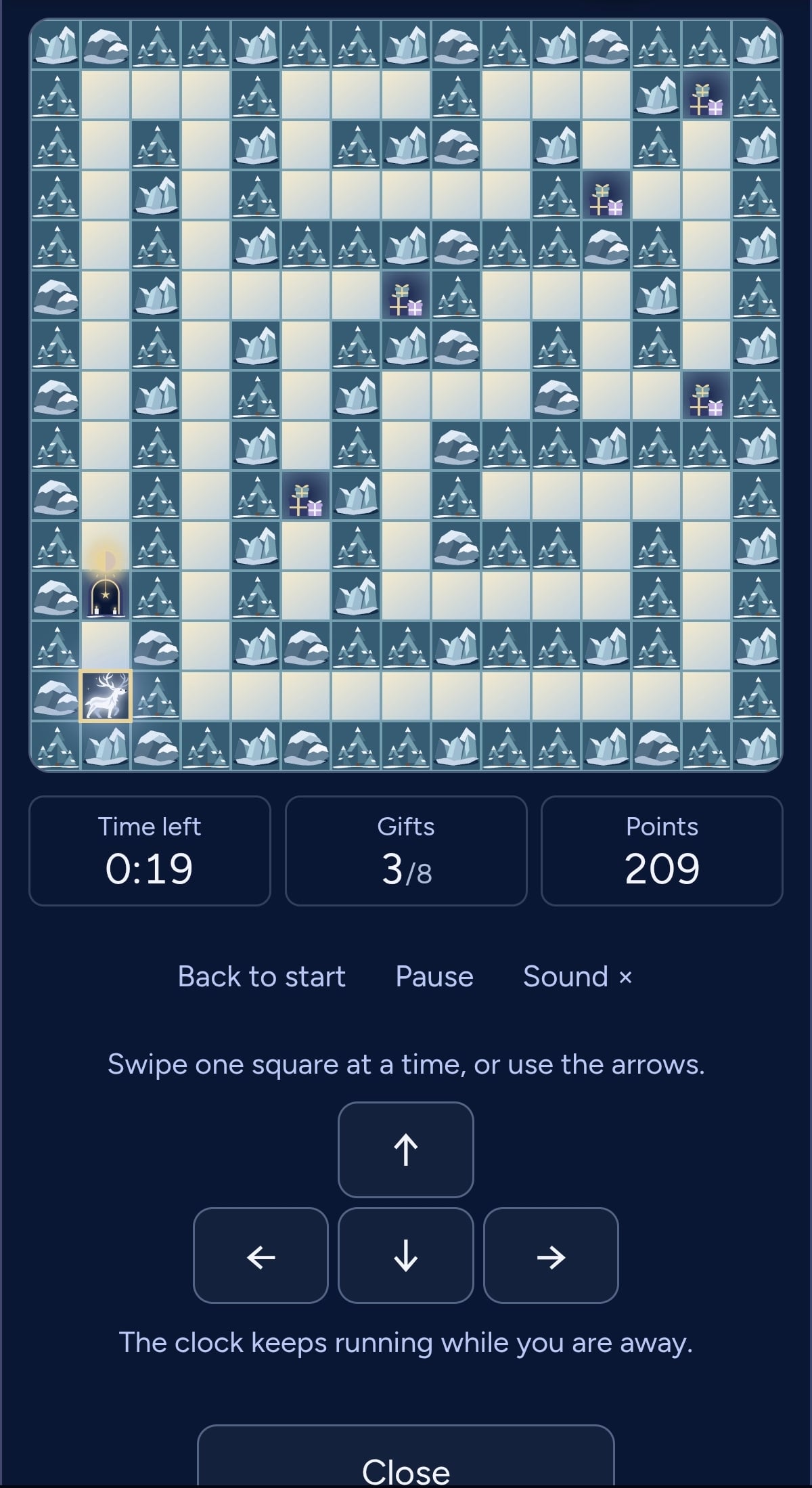
The maze is a board of 15 by 15 squares: snow paths between fir trees. Every player gets a different maze, but all of them are the same size and equally long.
It is dark. The stag lights only the eight squares around it, and the squares behind it go dark again, so you have to remember the way yourself.
- On a phone: swipe on the board, one square per swipe, or tap the four arrows under it.
- On a computer: use the arrow keys or the arrows on the screen. Holding a key down moves one square only.
A step into the fir trees does nothing, but it costs time. The Sound button switches the chimes on and off. The sound is off each time the maze opens.
How does the counted run work?
The rule, as the app says it: "Your first run counts. You have three minutes to raise the Sun. Sunrise reveals the whole maze for a twenty-second gift rush."
- Find the Sun. Lead the stag through the dark until it finds the Sun.
- Carry the Sun to the arch. Bring it to the solstice arch. There the Sun rises and the whole maze is lit.
- Gift rush. You have twenty seconds to collect gifts across the lit maze. The gift rush ends early if you collect all eight.
Beside the board you see the time left, your gifts out of 8, and your points.
Points
| For | Points |
|---|---|
| Finding the Sun | 50 |
| Raising the Sun | 100 more |
| Time left at sunrise | 1 for every five seconds |
| Each gift collected | 10 |
Gifts
- There are eight gifts in the maze. Five of them hold 10 CHI each, so one run gives at most 50 CHI.
- One gift holds the Golden Sun ornament for your Christmas Room. It exists only in the maze and is never sold.
- You can pick up gifts in the dark too, when the stag passes one. What a gift holds shows when you collect it.
- You keep what you collect, even when time runs out.
Can I pause?
Yes. Pause stops the clock and covers the board. You have 60 seconds of pause for the whole run, in as many pauses as you like. While paused, the app shows how much pause time is left. Tap Resume to go on. When your 60 seconds are used up, the clock starts again by itself and Pause can no longer be pressed. Pause works in the gift rush too.
Two more buttons:
- Back to start puts the stag back on its first square. If it carries the Sun, it keeps it. The clock keeps running.
- Close leaves the maze at once. The clock keeps running while you are away.
On Android, the phone's Back button does nothing while the maze is open.
What if the app closes or I lose my connection?
The clock is kept by AICHIKI, not by your phone, so it keeps running whatever happens on your device.
- If you come back while time is left, the run goes on where the stag stands, with the time that is left.
- If you do not come back, the run ends when its time is up. Everything you collected is kept and given to you.
- Your counted run cannot be lost, and it cannot be started twice.
If the connection drops, the board is covered and the app tries to reconnect by itself. You can also tap Reconnect. Moves made while you are offline are not sent.
What if time runs out before I raise the Sun?
The run still counts, and you keep what it earned: 50 points if you found the Sun, 10 points for each gift, and the CHI and the Golden Sun from the gifts you collected. Only the first run counts.
The result
When the run ends, the result screen shows The Sun is rising if you raised the Sun, or The night has ended if you did not. It shows your gifts out of 8, your points and your CHI. If you won the Golden Sun, it is named on the screen.
Can I play again?
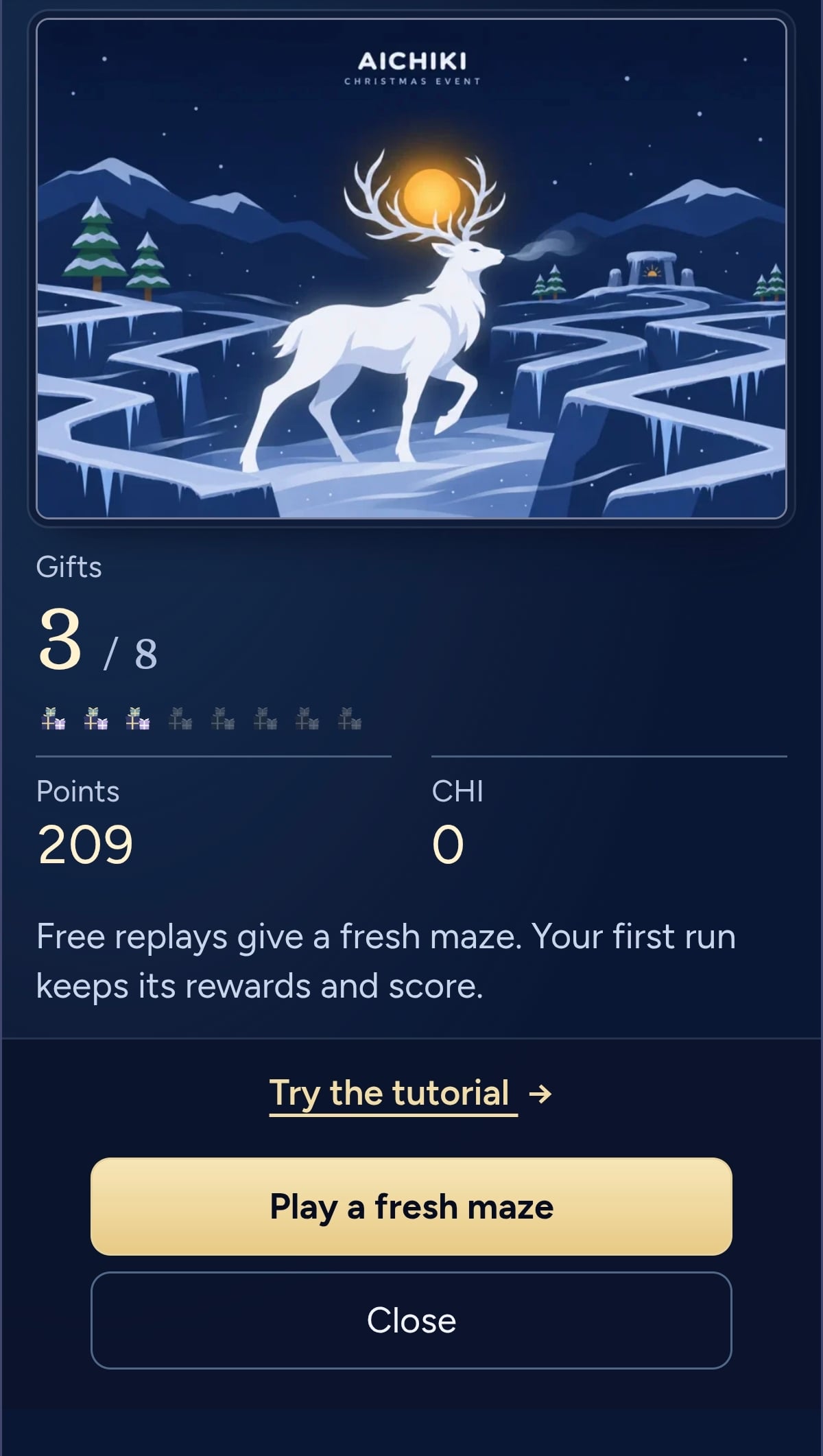
Yes. After your counted run, tap Play a fresh maze for a new maze, as many times as you like. Free replays are for fun: they give no points, no CHI and no ornament, so the board shows only the time left and the gifts. Your counted run keeps its rewards and its score. After a free replay, the result screen shows that replay, but your counted run's score still counts.
Where do my rewards go?
| Reward | Where you find it |
|---|---|
| CHI | In your balance at once. Your CHI history lists it as "Solstice maze gifts". |
| The Golden Sun | In your Christmas Room's collection. Open your profile and tap the Decorate button to place it. |
| The Winter Solstice badge | On your profile, from the moment you raise the Sun in your counted run |
| The mini shop | Opens on the Christmas 26 page from the moment you raise the Sun in your counted run. See The mini shop post |
| Your points | Count toward the winners, together with your Christmas Room and your Christmas character |
Still Need Help?
If the maze did not open behind window 22 or 23, your run ended and the rewards are missing, or the Winter Solstice badge is missing from your profile, feel free to contact our support team.